Installed
Everything Scoop has installed on your machine, in one view.
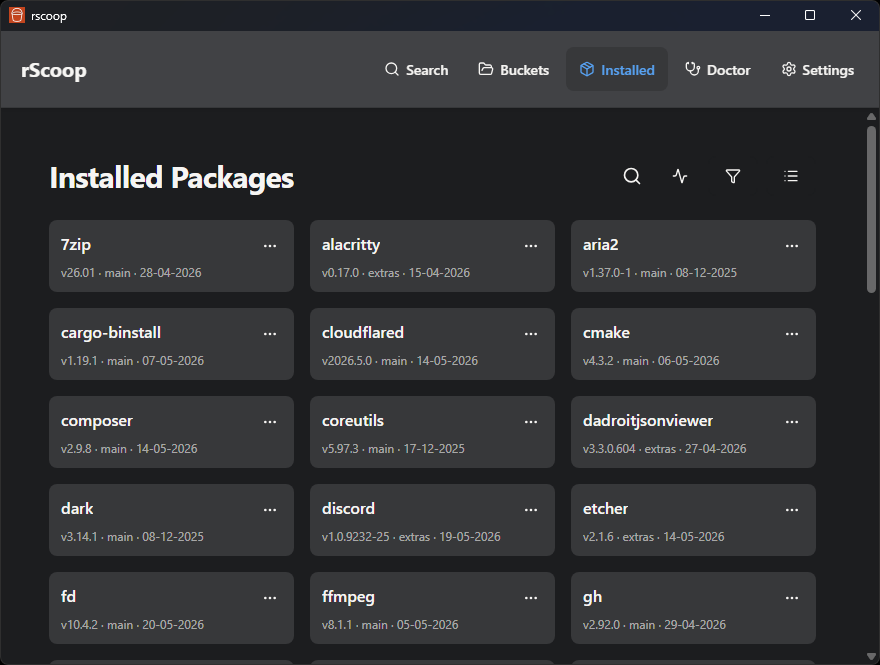
Filtering and layout
- Filter by bucket or search by name
- Switch between grid and a list view
- The header shows how many packages have updates available
Package operations
- Update individual packages or hit Update All
- Hold a package to lock it at the current version (prevents updates)
- Uninstall packages
- Switch versions if a package has multiple versions installed
All operations show live CLI output in a modal so you can see exactly what Scoop is doing.
Package details
Click any package to see:
- Manifest metadata: description, homepage, notes, architecture support
- Cache usage and the option to clear cached installers
- Shim details and file paths
The package list refreshes automatically after you close the details modal.
Scoop status check
Hit Check Scoop Status to run diagnostics. This checks Git and 7-Zip availability, bucket health, and other common issues. You can install missing helpers directly from the results.