Buckets
Manage your Scoop buckets and find new ones.
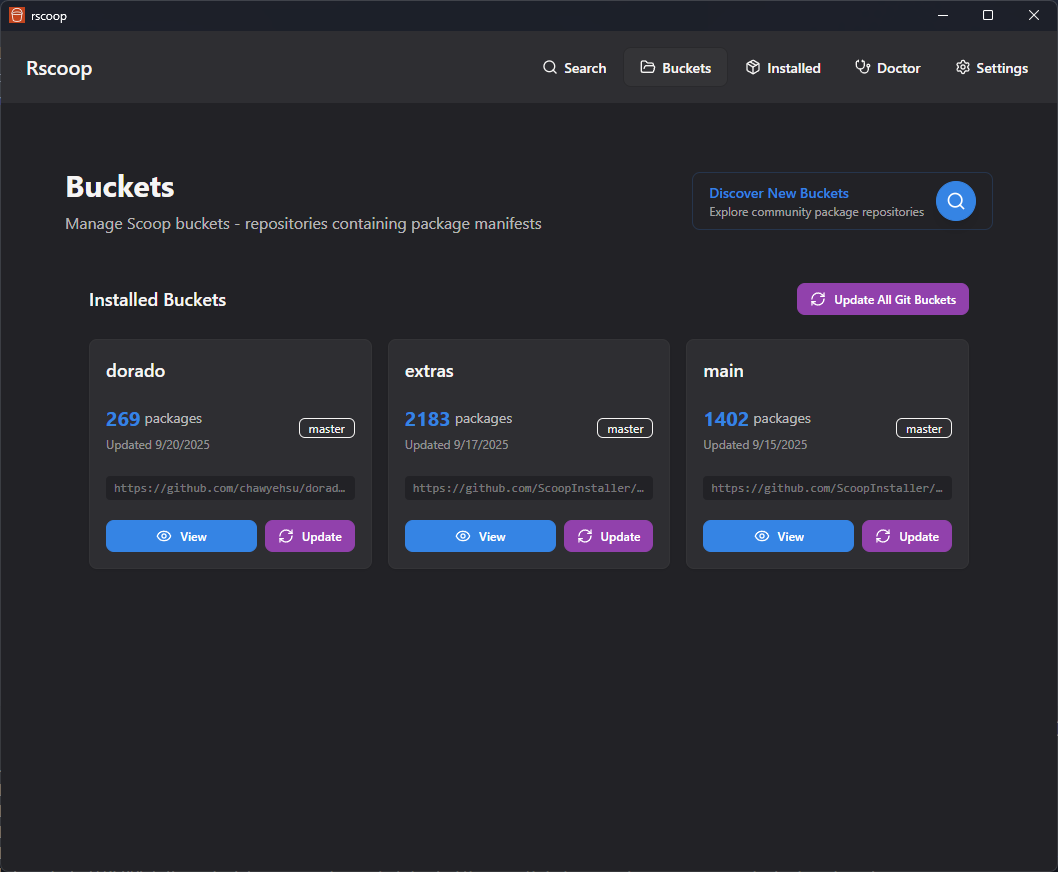
Your buckets
Every bucket you’ve added shows up in a grid with its manifest count and last-updated timestamp. From here you can:
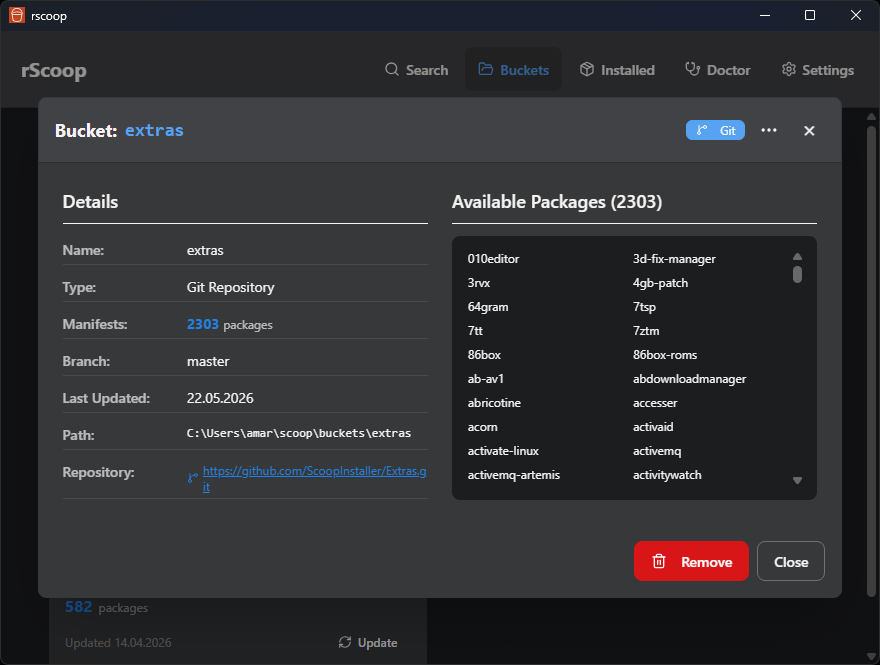
- Browse a bucket’s manifests and preview or install packages from the details modal
- Update a bucket to pull the latest commits
- Remove buckets you don’t need
Local manifest edits survive updates to other files. If upstream changes a file you’ve edited, the bucket update may be blocked until you review it. See Manifest Editing for the steps.
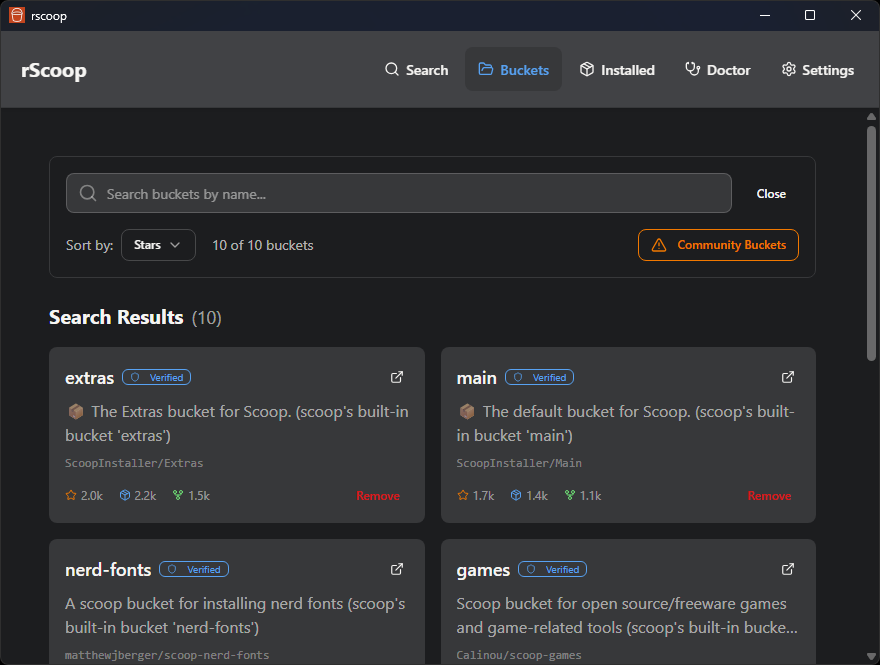
Discovering new buckets
The discovery panel lets you search for public Scoop buckets on GitHub. You can filter by stars, forks, and language.
For a wider search, use Expanded Search. This downloads an offline index of thousands of community buckets. You pick a minimum star count and whether to include Chinese-hosted repos before rScoop fetches the data.
Once downloaded, the expanded search works offline. You can clear the cached index from the panel when you want fresh data.
Adding buckets
To add a bucket, open the install wizard. It validates the bucket URL, then the Rust backend handles the Git clone and error reporting.